There is a scenario that still surprises people who invested well in their website: the page looks flawless, loads fast, the team is proud of it, and to an AI assistant that page is blank.
This is not a fine detail. It is the most common cause and the cheapest one to fix.
The difference between sending a page and sending instructions to build one
A site can deliver its content in two ways.
The first is to send the page already made: the server returns the text, the headings and the links, and the browser just displays them.
The second, very common for some years now, is to send an almost empty shell plus a program. That program runs inside the browser, fetches the data and assembles the page there. For a person the result is identical, sometimes better.
The difference shows up when the visitor is not a person.
What AI crawlers actually do
Vercel measured how these robots behave across its own network and published the result: none of the major AI crawlers render JavaScript. Not ChatGPT's, not Claude's, not Perplexity's.
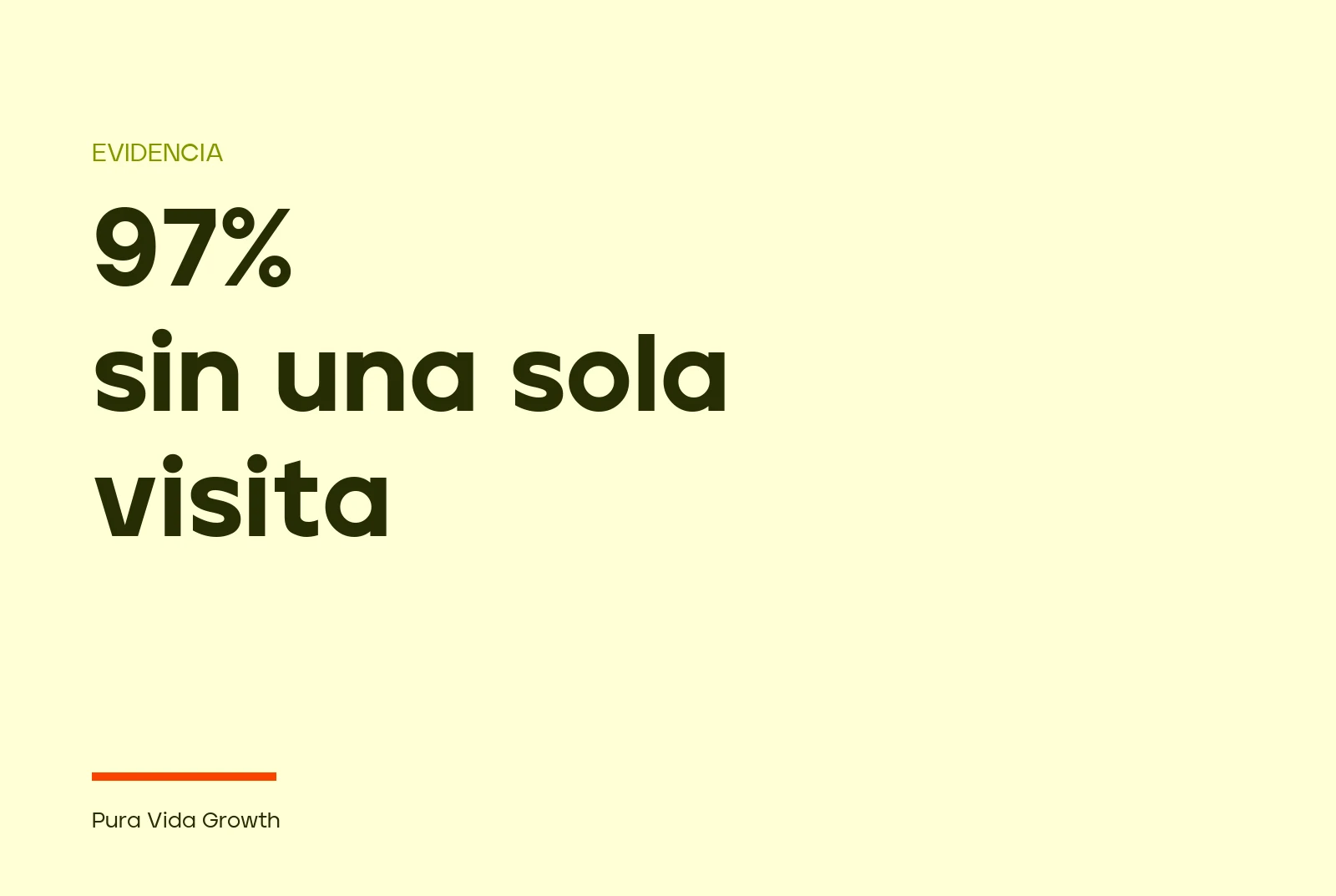
The striking part is that they download it anyway. JavaScript files are around 11.5% of the requests from ChatGPT's crawler and 23.8% of those from Claude's. They fetch it, pay for the bandwidth, and never run it. Whatever gets assembled inside a browser does not exist for them.
So a site built the second way hands the AI a document with a title, maybe a menu, and nothing else. Later, when somebody asks about that company, the answer gets built from other people's pages.
How to check it in two minutes
You don't need any tool.
Open your site in a browser, right click on an empty area and choose "view page source". Careful: not "inspect element". Inspect shows the page already assembled, which is why it always looks fine. View source shows what the server sent, which is what the robot receives.
Look inside that text for a sentence that appears on your home page. If it's there, your site can be read. If none of them is, that is your answer.
It is worth repeating on three different pages: the home page, a service page and a blog post. They don't always behave the same way.
And the other file worth opening
Type yourdomain.com/robots.txt into the browser. It is a text file that tells robots where they may go.
There is an expensive confusion here worth clearing up, because plenty of people have blocked something they didn't mean to block. In OpenAI's case, their own documentation separates it in two: GPTBot collects content that may be used to train models, and OAI-SearchBot is the one that surfaces a site in ChatGPT's search answers. Blocking GPTBot does not take you out of the answers. Blocking OAI-SearchBot does: the documentation says the site will not be shown in ChatGPT search answers.
They are independent decisions, and that is good news: you can say no to training and still show up.
What it costs to fix
It depends on how the site was built, and the range is wide and honest.
If it was made with a modern toolchain, it is often a matter of changing how it is published, without touching the design or the content. That is days of work, not months.
If the site was born as an application that lives entirely in the browser, it runs deeper, and sometimes the honest conversation is a different one: if the site already needs a rebuild for other reasons, this gets solved along the way.
What makes no sense is the middle path: spending on new content, on ads or on a monitoring dashboard while what you publish arrives empty to the ones who would have to read it. First make it readable. Then everything else.
We did this same work on our own site before selling it to anyone, and it is laid out in Get recommended by AI.